Screenshots
What it looks like
Rendered from the app's own widgets at 1080×2160, driven with representative data. The vendor names in the WiFi list come from the same 56,000-entry OUI database that ships inside the app.
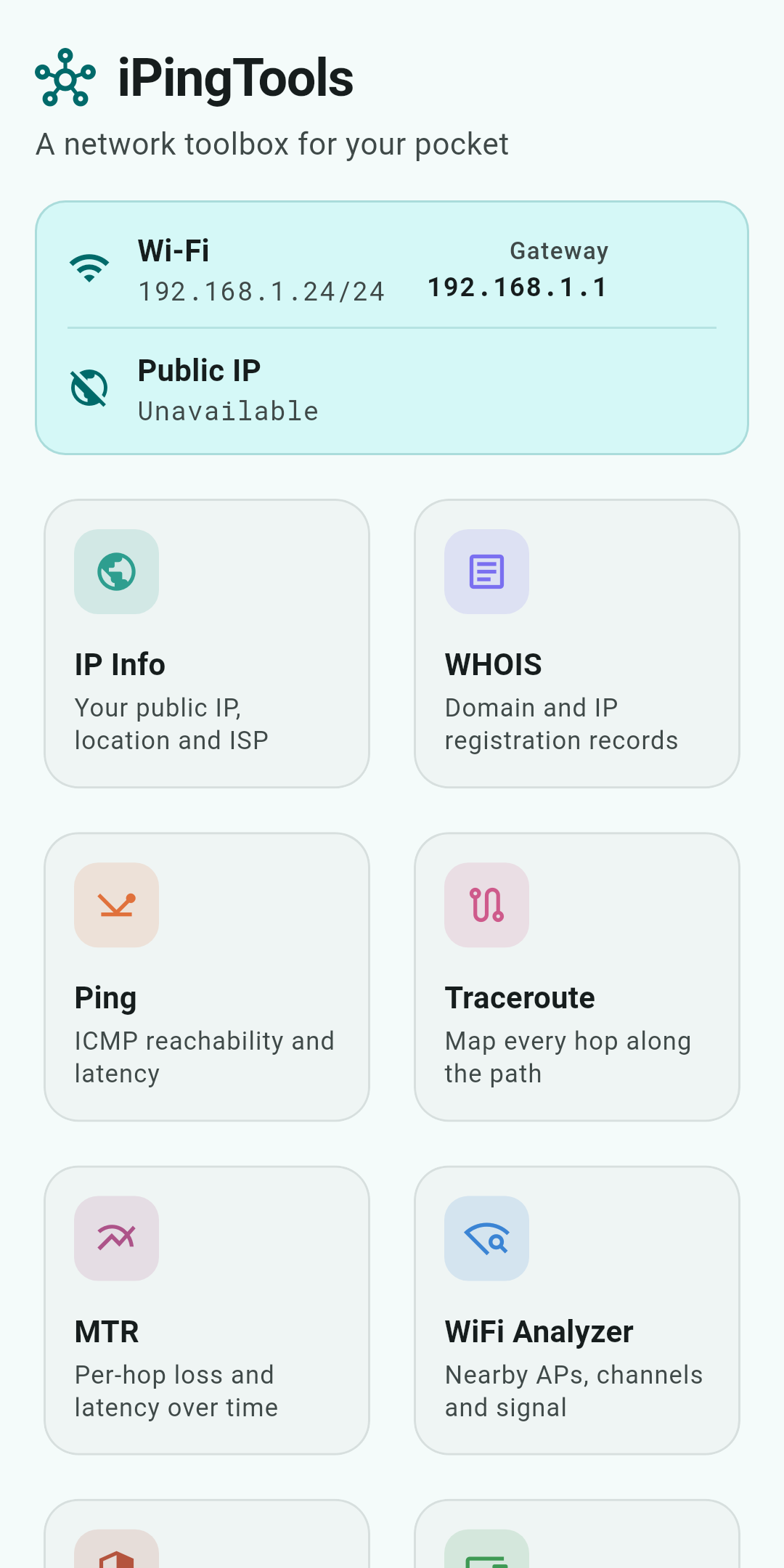
Home
Every tool on one screen, with the local and public address of the connection you are on.
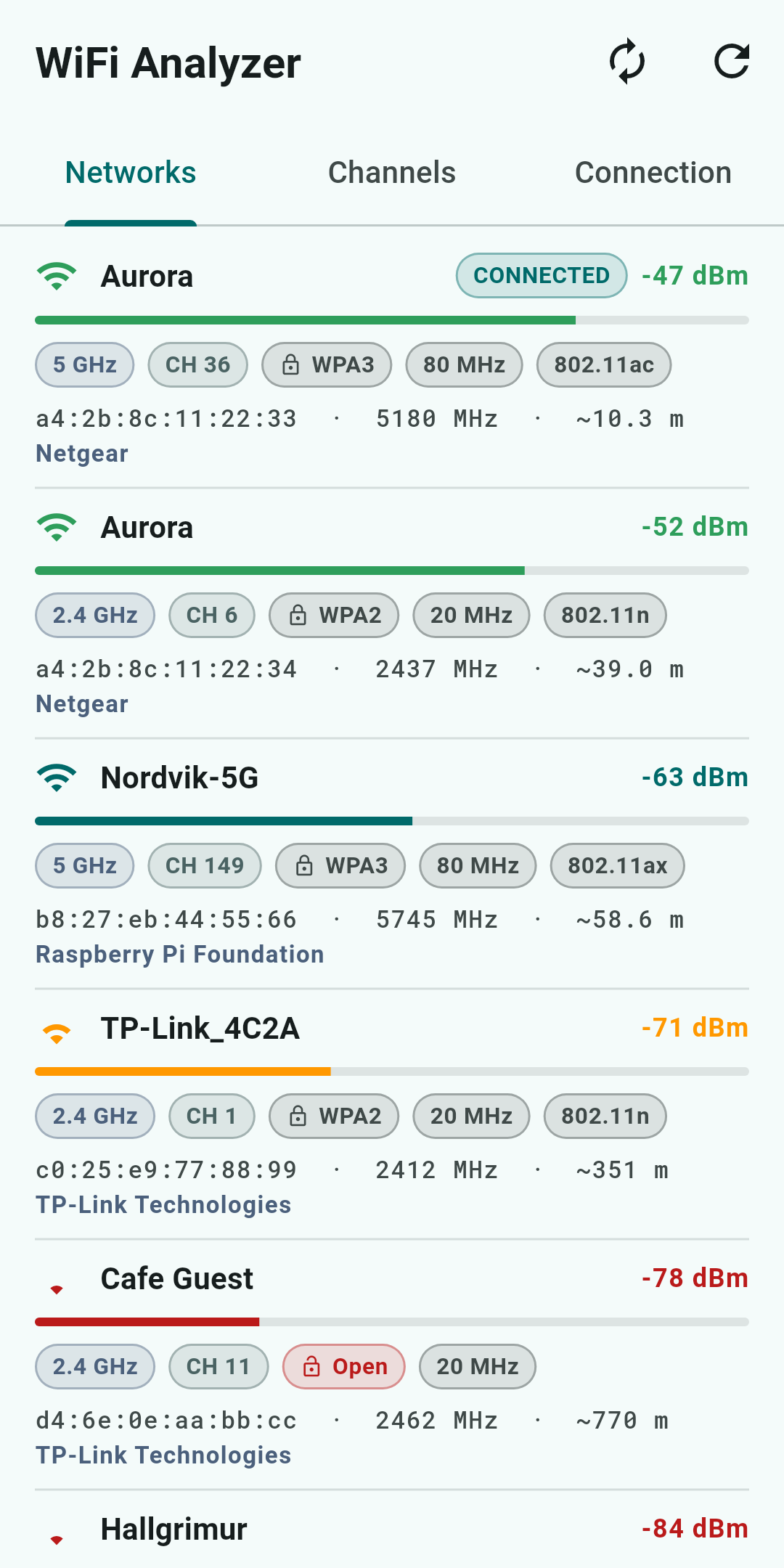
WiFi Analyzer
Access points in range, sorted by signal, with band, channel, security and the vendor behind each radio.
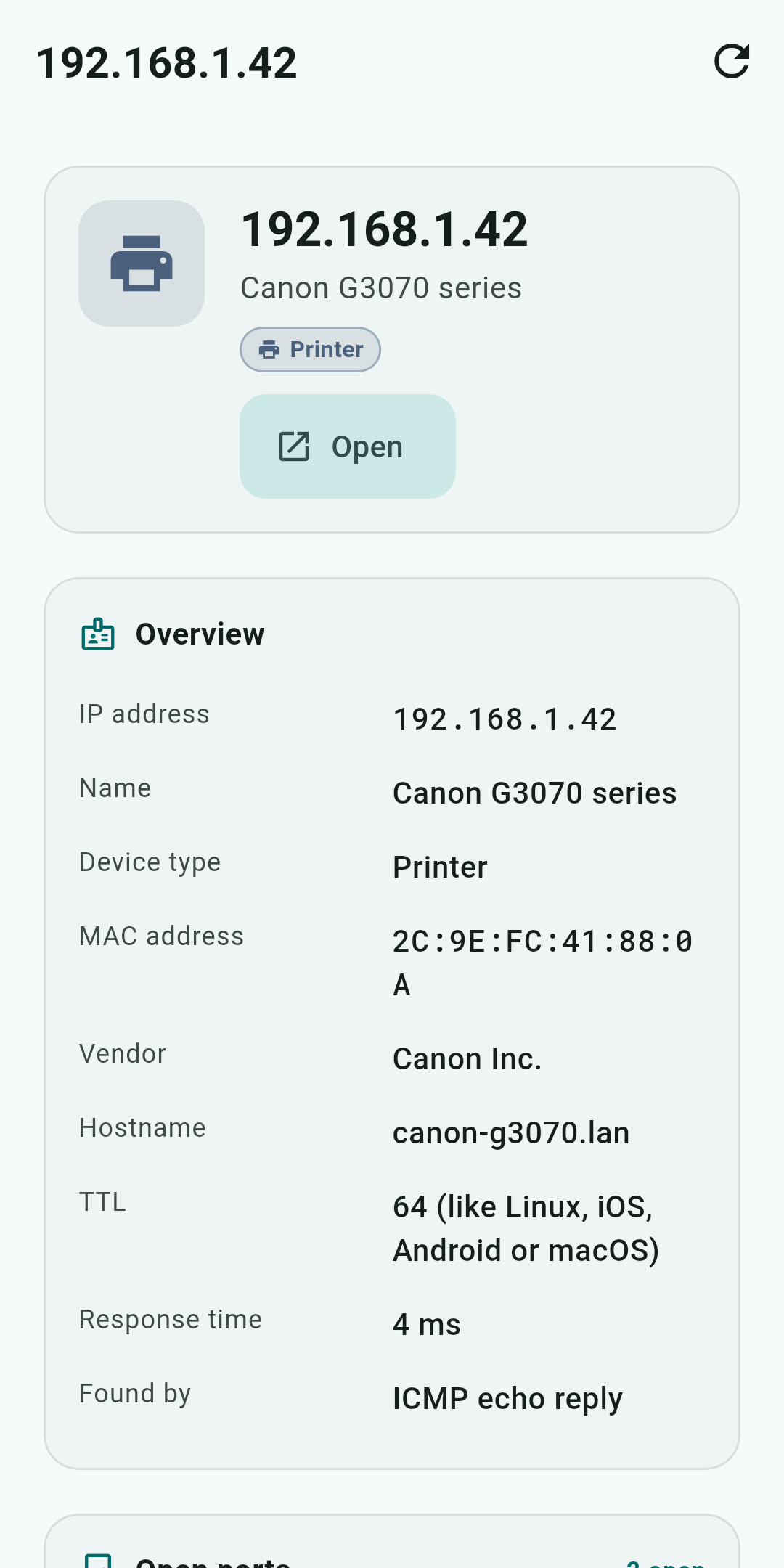
Device details
What the LAN scan learned about one device, down to the MAC vendor and the OS its TTL suggests.
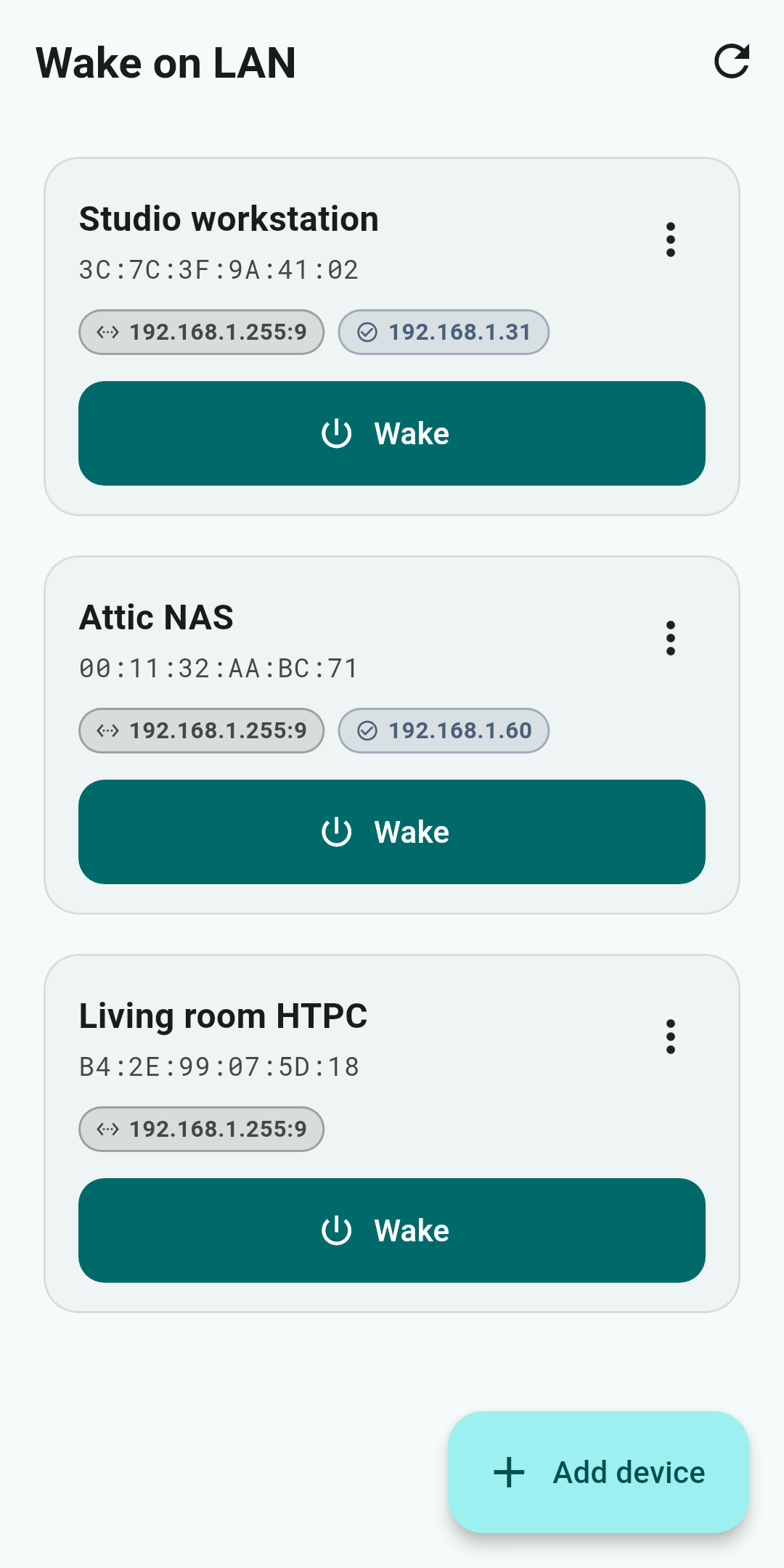
Wake on LAN
Saved machines, ready to wake with one tap and confirm afterwards.
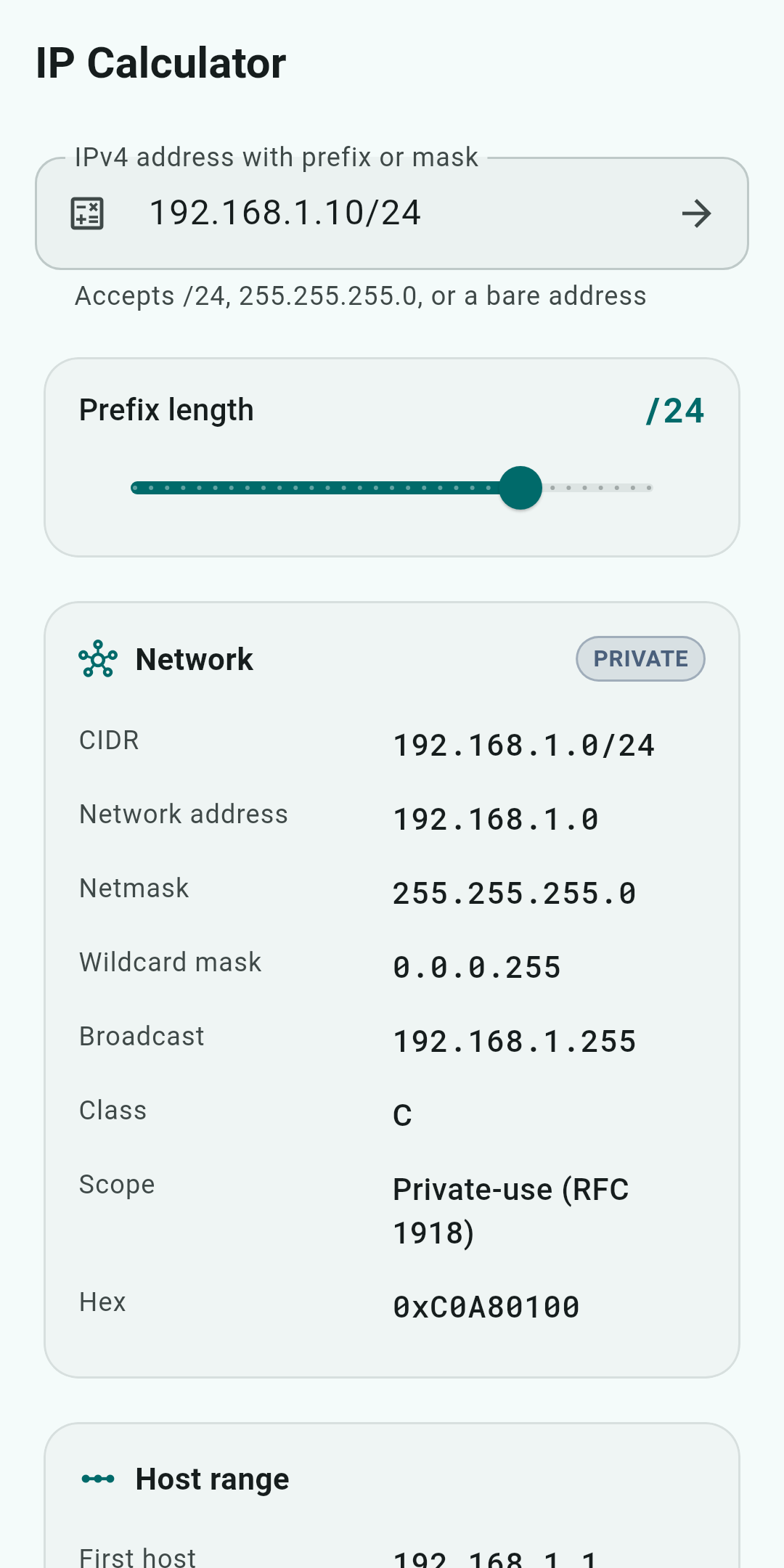
IP Calculator
Subnet arithmetic without leaving the phone.